A polished AI image can still be the wrong image for your project. The headline might contain a spelling error, the product might change between versions, or the download might be unsuitable for an editable logo. Choosing between AI image generation tools starts with deciding what your finished file needs to do.
This guide compares seven options for blog illustrations, social posts, posters, photo edits, and vector graphics. You will find a quick comparison, verified pricing where available, important limitations, and a repeatable prompt workflow. The recommendations match documented features to specific jobs, so you can choose a sensible starting point without subscribing to every service.
You will also learn what free access actually includes, how commercial permission differs from copyright, and which export details matter before publishing. Whether you need your first WordPress featured image or a consistent set of branded visuals, these AI image generation tools offer different routes to a usable result. Start with one small project, inspect the output, and pay only when the tool solves your particular problem.
Compare AI Image Generation Tools at a Glance
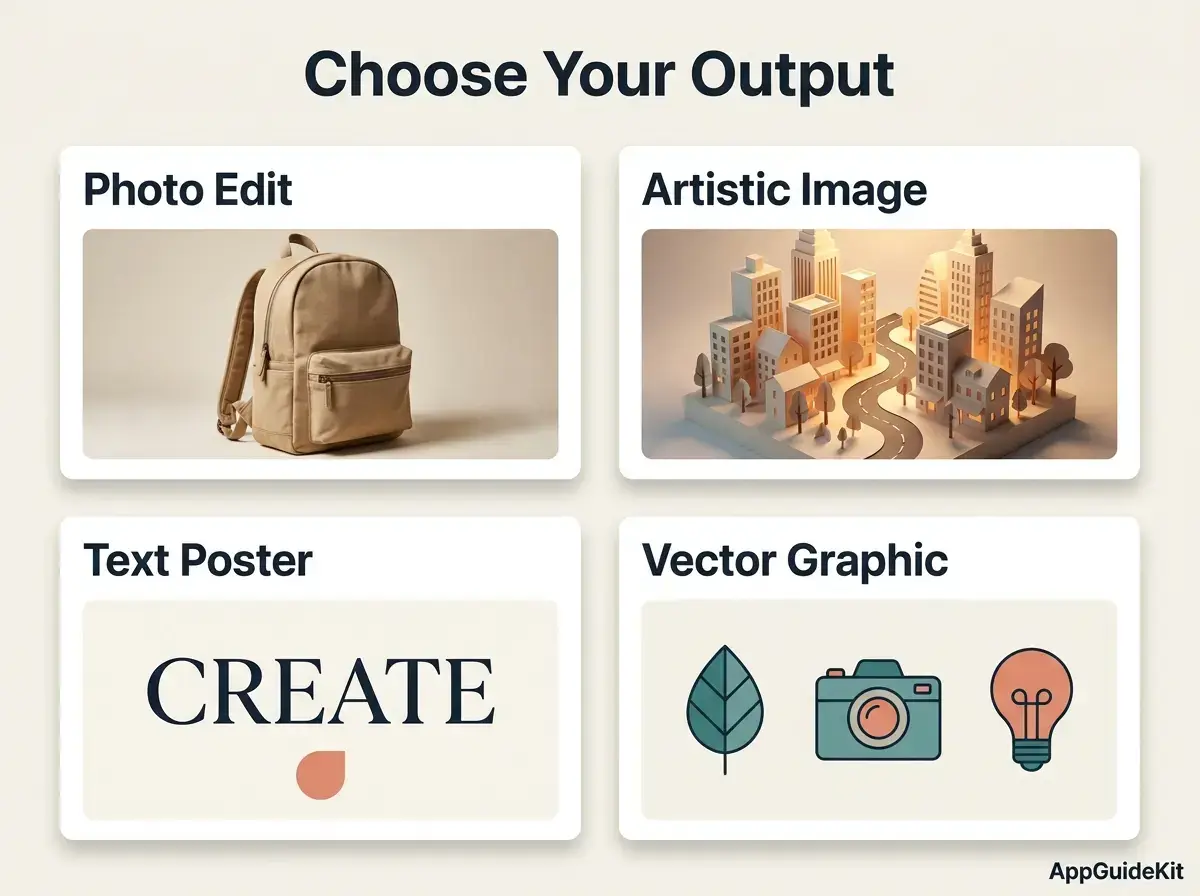
Choose by the deliverable: editable graphics, an artistic illustration, or a quick photo correction. These are use-case recommendations rather than measured performance rankings.
| Tool | Recommended use | Verified access or price | Important limitation |
|---|---|---|---|
| ChatGPT | Conversational image creation and editing | Limited free access; Plus is $20/month | Usage limits vary; API billing is separate |
| Midjourney | Artistic direction and stylized illustrations | Basic starts at $10/month | Stealth privacy requires Pro or Mega |
| Adobe Firefly | Workflows using Adobe creative software | Standard is US$9.99/month | Premium and partner features have different credit rules |
| Gemini | Everyday photo edits and variations | Nano Banana 2 has free access; 2.1 requires a Google AI plan | Limits and watermark controls depend on plan and region |
| Ideogram | Text-focused posters and graphics | Plus is $20/month | An accurate-looking headline still needs proofreading |
| Recraft | Editable SVG icons and brand assets | Free personal use; paid commercial use | Free images are public; check the current paid price |
| FLUX | Repeatable production through hosted tools or APIs | FLUX 3 Image: $0.048 per 1K API output | Retries and other output sizes change the bill |
How these AI image generation tools were assessed
This is a research-based comparison of official product documentation, pricing, and licensing, checked on 15 October 2026. We have not run a controlled seven-tool benchmark, so no speed, quality, or accuracy scores are invented. Dollar prices above are monthly USD rates or the stated API rate; local taxes and billing options can differ.
1. ChatGPT: Best for Conversational Image Editing
Choose ChatGPT when you want to describe an image, review it, and request changes in the same conversation. It is a straightforward entry point among AI image generation tools for people who prefer ordinary language to detailed settings.
ChatGPT Images 2.5 supports image creation and editing, including reference-based changes and transparent backgrounds. For a blog illustration, describe the subject and layout, generate a draft, then ask for one specific revision, such as moving the subject away from the headline area.
Strength: The conversational workflow makes corrections easy to explain. Limitation: Check every revised image for unintended changes to faces, objects, and wording; a requested edit is not a guarantee that everything else remains identical.
Upload only references you are allowed to share, and review your account’s data controls before using client material. Choose Recraft instead when the final deliverable must contain editable SVG paths.
Before upgrading, read our ChatGPT Free vs Plus comparison to decide whether the paid plan fits your needs.
2. Midjourney: Best for Artistic Direction
Choose Midjourney for stylized editorial illustrations, mood boards, and visual concepts with a distinctive atmosphere. Its appeal among AI image generation tools is the attention you can give to lighting, composition, texture, and visual style.
The official version documentation lists V8.2 as the default. Its current Edit Model replaces several older reference and editing controls, so follow documentation for your selected version when recreating a tutorial.
For a technology blog, try a scene showing a miniature paper city illuminated by soft studio lighting. Refine the palette and framing before adding the article headline in your design editor.
Strength: A useful choice for developing an artistic direction. Limitation: Basic does not include Stealth mode; confidential client concepts need a privacy-aware plan and workflow. Choose Ideogram when readable poster text is your main task, or Recraft when editable vector output is essential.
3. Adobe Firefly: Best for Adobe Design Workflows
Choose Firefly when generated images will continue through an Adobe editing workflow. It offers a practical route from a text prompt to an image that you can refine for an existing design project.
Adobe’s generation instructions include Firefly Image 5 and explain model selection. Check which model you choose: Adobe models and partner models can have different credit requirements and contractual treatment.
For a product campaign, generate a background around a clear visual brief, then combine it with an authorized product photograph. Inspect shadows and perspective so the final composition looks coherent.
Strength: Fits teams already using Adobe’s creative tools. Limitation: “Commercially safe” is not a universal legal guarantee. Adobe describes IP indemnification for eligible arrangements; coverage depends on the applicable contract and output. Businesses comparing AI image generation tools should examine those terms before uploading sensitive assets.
4. Gemini: Best for Everyday Photo Edits
Choose Gemini when you want to adjust an existing picture, combine visual references, or create variations through a familiar chat interface. Google’s image-generation page distinguishes free Nano Banana 2 access from Nano Banana 2.1 on Google AI plans.
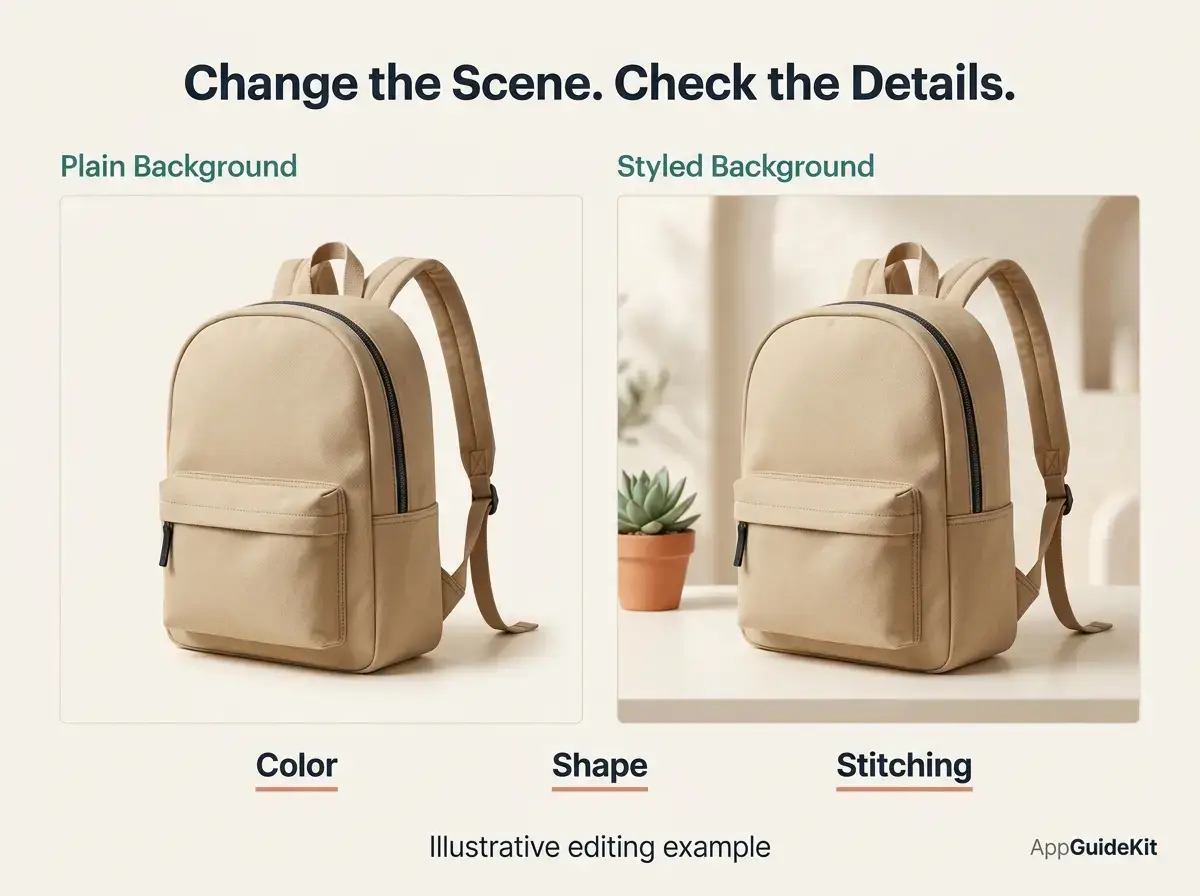
Start with an authorized photo and request one change: “Replace the plain background with a softly lit workspace. Keep the subject’s clothing and pose consistent.” Compare the result with the original, especially around hands, labels, reflections, and fine details.
Strength: A convenient starting point for reference-based editing. Limitation: Watermark settings are regional. Google’s Gemini watermark guidance says the visible-watermark toggle requires AI Ultra in India, South Korea, and Vietnam; invisible SynthID remains.
When comparing free AI image generation tools, check the rules for your own account. For broader assistant features beyond images, see our Gemini vs Claude comparison.
5. Ideogram: Best for Text-Focused Designs
Choose Ideogram for posters, promotional graphics, and layouts where the wording belongs inside the generated image. It is worth shortlisting among AI image generation tools when typography is central to the brief.
Ideogram 4.0 is a generation model, while Ideogram 4.5 focuses on editing. Specify the exact headline in quotation marks and keep your first design simple: one short headline, a subject, and clear spacing.
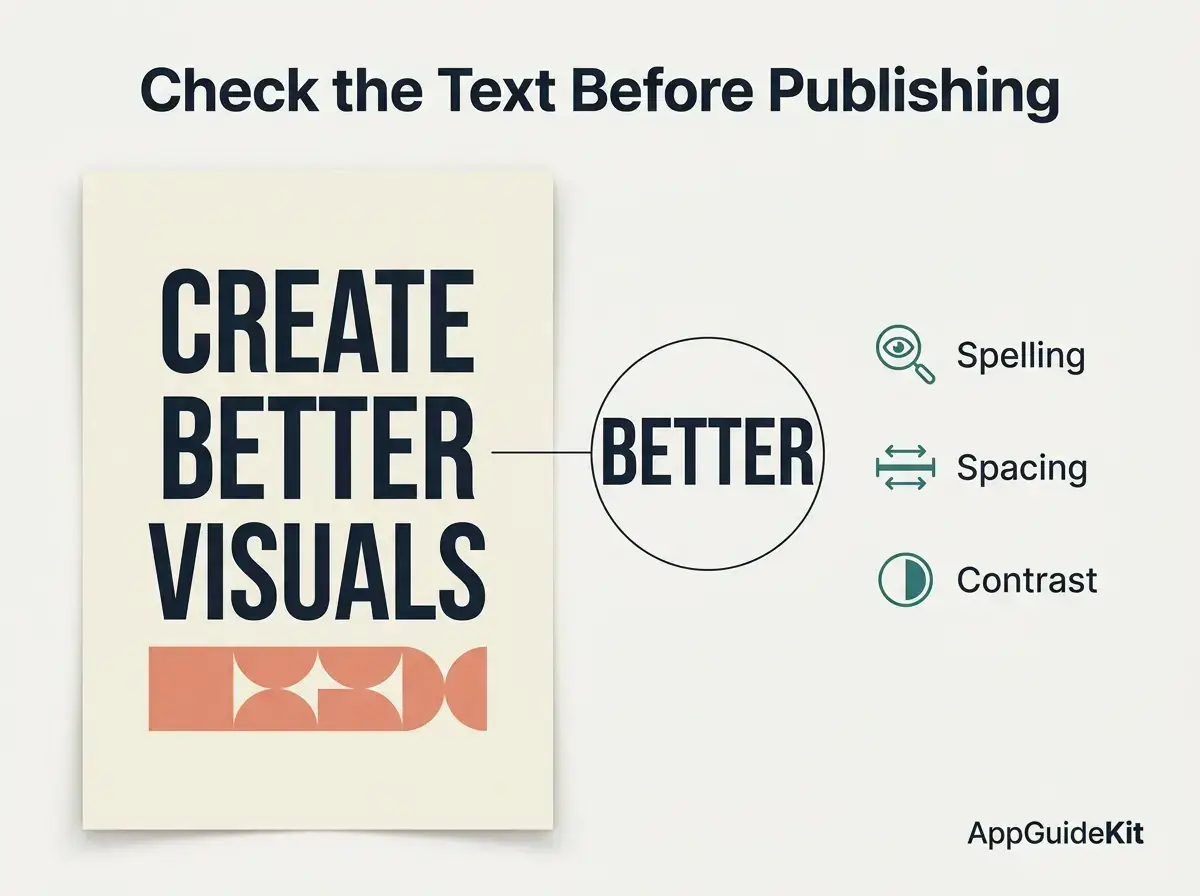
For example, ask for a workshop poster reading “CREATE BETTER VISUALS,” with room below for details you will add manually. Proofread every letter, number, and punctuation mark at full size.
Strength: A focused option for text-led imagery. Limitation: Text inside a raster image is not automatically editable typography, and a generated logo is not automatically trademark-ready. Choose Recraft for vector assets, or finish exact brand lettering in a design editor. Use the paid plan’s private-generation controls when appropriate.
6. Recraft: Best for Editable Vector Graphics
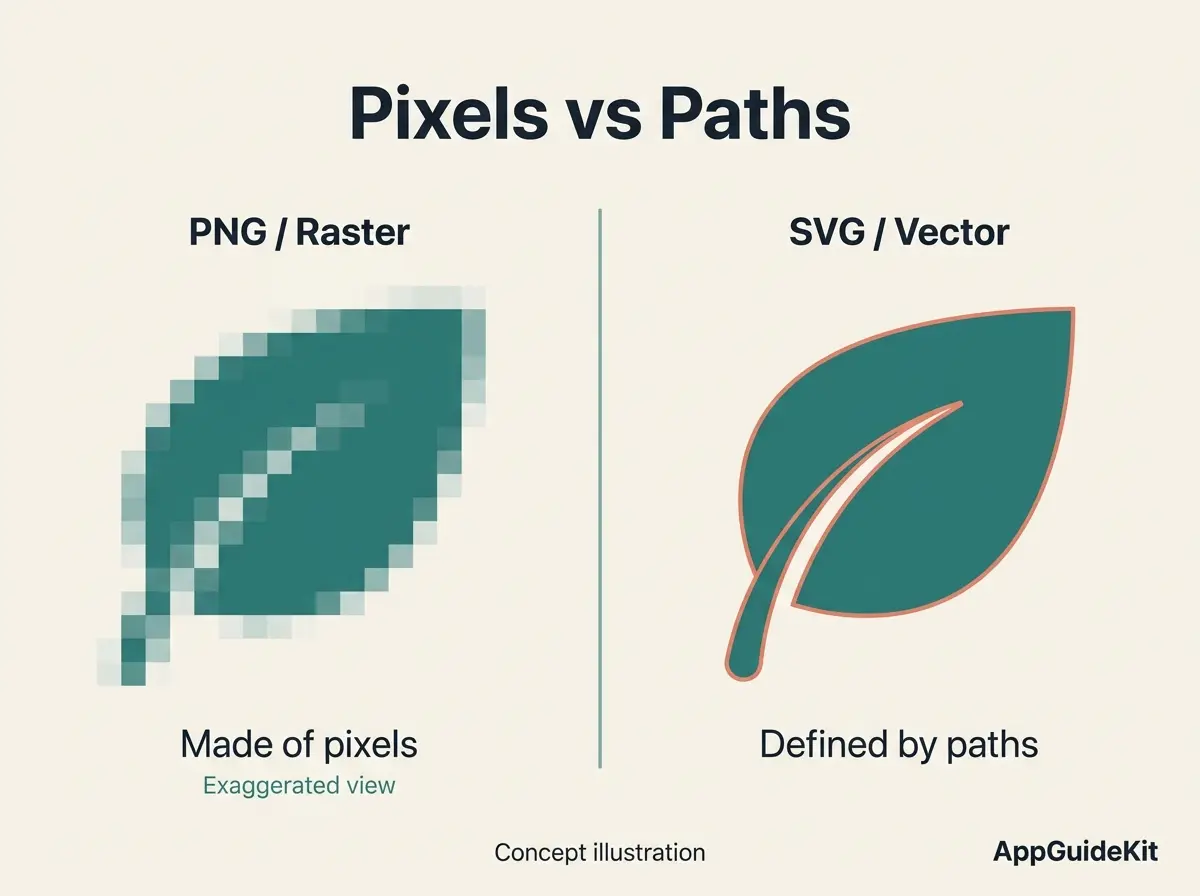
Choose Recraft when you need icons, illustrations, or brand graphics that remain editable after generation. Unlike a PNG made of pixels, a true SVG can contain paths that a designer can reshape and scale.
Recraft’s vector generator supports V4.1 and SVG export. Select a vector workflow, describe a consistent style, and create a small icon set before expanding it. Open the exported SVG in a vector editor to check paths, spacing, and unwanted details.
Strength: Editable assets are a meaningful advantage over raster-only AI image generation tools. Limitation: Recraft’s commercial-use FAQ says free-plan images are not commercially licensed, and upgrading does not retroactively license them.
If you need an image for a business project, create it under a qualifying paid plan and retain the relevant terms. Choose Midjourney when artistic exploration matters more than editable vector delivery.
7. FLUX: Best for Scalable Image Workflows
Choose FLUX when your project needs repeatable generation through a hosted service or API. It is a better fit for a technical production workflow than for someone seeking the simplest first image.
Black Forest Labs currently lists FLUX 3 Image pricing, while FLUX.2 Pro remains a separate option. Match the price to the exact model and resolution instead of treating every FLUX offering as interchangeable.
At the listed $0.048 rate, 100 FLUX 3 Image 1K outputs would cost $4.80 before retries, taxes, or other charges. Ten usable images may require more than ten generations, so budget for corrections.
Strength: Usage-based generation can suit repeatable production. Limitation: Setup, provider privacy, and model-specific licensing need attention. When comparing AI image generation tools, calculate cost per usable asset. Choose ChatGPT or Gemini if a conversational interface is your priority.
How to Use AI Image Generation Tools Effectively
Start with a deliverable and a reusable prompt. This beginner exercise takes about 15–30 minutes, although generation time varies; you need a tool account, a design editor, and permission to use any references.
Use one clear prompt, then change one variable
- Define the output. Specify the subject, destination, shape, and whether you need editable elements.
- Generate a small first batch. Avoid spending credits on many variations before checking the direction.
- Inspect and revise. Check wording, anatomy, object details, and empty space. Request one correction at a time.
- Prepare the final file. Add exact text in your editor when necessary, check dimensions, and compress a web copy.
For Instagram posts, check the correct aspect ratio for Instagrhttps://appguidekit.com/aspect-ratio-for-instagram/am before exporting your image to reduce unwanted cropping.
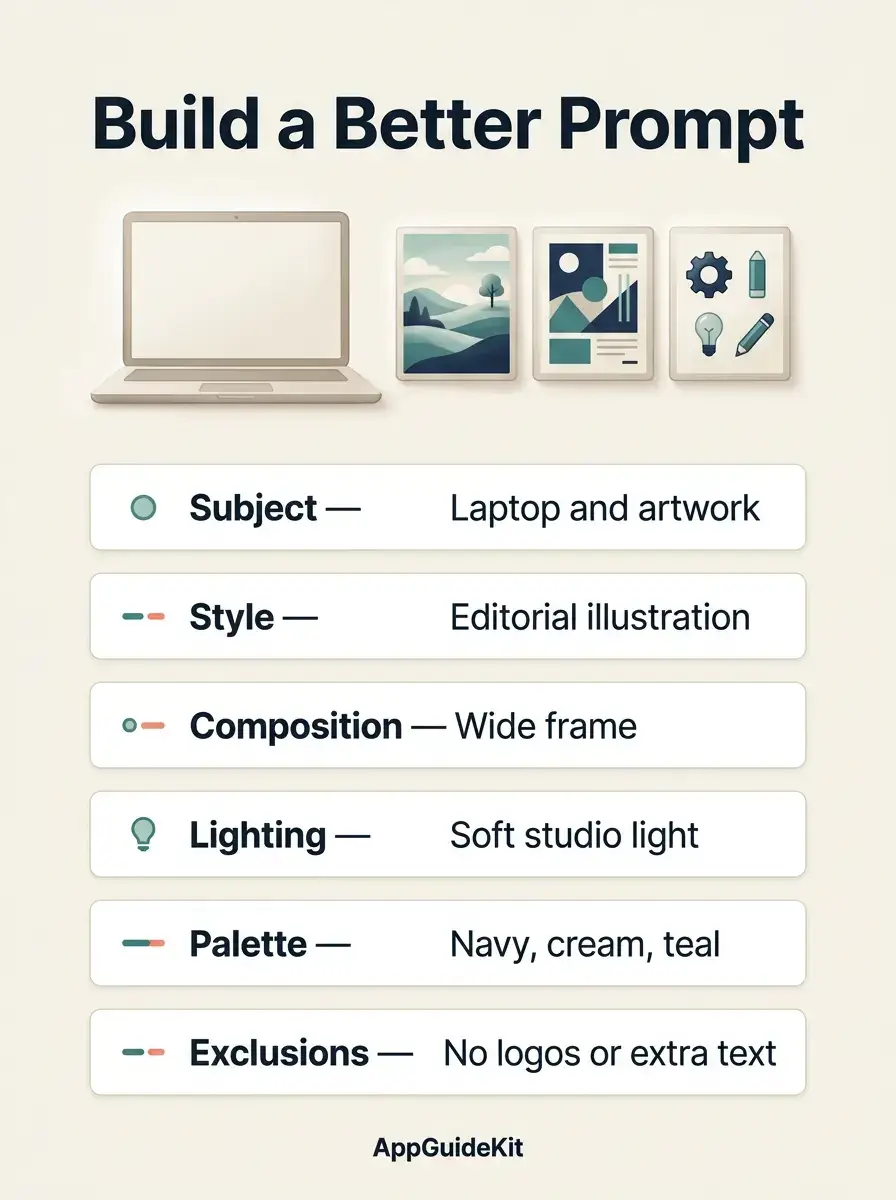
Try this original prompt for a WordPress featured image:
Create a clean editorial illustration for a beginner’s guide to AI image creation. Show a neutral laptop beside three floating artwork panels: a landscape, a poster layout, and simple icons. Use navy, warm white, and restrained teal. Use soft studio lighting and a wide 16:9 composition. Leave the left third clear for a headline added later. Include no logos or readable text.
Compare outputs using the same project brief
To compare AI image generation tools fairly, give each the same subject, dimensions, and revision allowance. Record prompt adherence, usable text, export format, and total attempts. These are instructions for your own test, not results from a test we conducted.
If wording keeps breaking, add it manually; if a product changes, composite an authorized product photo. After approval, organize the assets in your social media scheduling workflow.
Commercial Use, Copyright, and Privacy
Commercial permission, copyright protection, and trademark clearance answer different questions. A subscription may permit business use without guaranteeing exclusive ownership or permission to reproduce another brand’s protected material.
The U.S. Copyright Office explains that protection requires sufficient human authorship; prompting alone does not establish that authorship. Human-created selection, arrangement, or modifications may qualify, depending on the work. This is U.S. guidance, and rules differ internationally.
Before using AI image generation tools for client work, check:
- Inputs: You have permission to upload the photos, artwork, and personal information involved.
- Visibility: The relevant plan’s gallery, sharing, and data settings suit the project.
- Outputs: The plan and selected model permit the intended use, including any partner-model restrictions.
- Records: Keep the generation date, model, plan, source assets, and a copy of the applicable terms.
For logos or prominent campaign imagery, inspect recognizable brands and similarities before release. No tool removes the need for that review.
Frequently Asked Questions About AI Image Tools
What is the best AI image generator right now?
The best choice depends on the file you need. Start with ChatGPT for conversational revisions, Midjourney for artistic direction, Ideogram for text-focused designs, or Recraft for editable vectors. Use the same small project to compare AI image generation tools before committing. Consider the number of corrections, the available export format, and the cost of a usable result.
What replaced DALL-E 3 in ChatGPT?
ChatGPT’s current image experience uses ChatGPT Images 2.5. OpenAI’s image help page says the DALL-E GPT has been retired from ChatGPT. That is a product-specific change, so avoid assuming every third-party service with older DALL-E branding uses the same model. Check the service’s own model information when following an older tutorial or comparing results.
Which AI image generator is best for text and logos?
Ideogram is a useful starting point for posters with short, prominent text. Recraft is more appropriate when you need an editable vector icon or logo concept. Proofread the output and rebuild exact brand lettering when necessary. AI image generation tools can help develop a concept, but final logo work still needs checks for distinctiveness, usable files, and potential trademark conflicts.
Are AI-generated images copyright-free?
No blanket rule makes all AI-generated images copyright-free. A provider’s license may allow commercial use while copyright law treats human and machine contributions differently. Images can also contain material that raises third-party rights concerns. Read the terms for the specific tool, plan, model, and generation date; document your own creative edits when ownership matters to the project.
Which free AI image generation tools have no watermark?
Check the current download rules for your account and country before choosing. A missing visible logo does not mean an image has no invisible provenance marker or metadata. Gemini’s visible-watermark controls, for example, depend on region and plan, while SynthID remains. Also check resolution, commercial permissions, and generation limits: “free” describes access, not necessarily every usage right.
Can I use generated images on a monetized blog?
Check whether the applicable plan permits your intended business use, and confirm you have permission for any uploaded references. Avoid assuming that every free tier allows commercial publication; Recraft’s free-plan restriction is one example. Use generated imagery as illustration, label potentially misleading simulations clearly, and avoid presenting a fabricated screenshot or product result as evidence from actual testing.
Why does the image still look wrong after several prompts?
Repeated failure often calls for a simpler task. Reduce competing instructions, specify one subject, and request one change at a time. Add precise text manually, or use an authorized photograph for a product that must remain accurate. Compare two or three candidates at the final display size; a visually impressive preview can hide spelling errors, distorted details, or unsuitable framing.
Can AI image generation tools replace a professional designer?
They can accelerate drafts and some routine assets, but projects still need decisions about hierarchy, accessibility, consistency, and final delivery. A designer can turn a promising output into a coherent visual system and correct details the model missed. For a small blog, begin with a limited template; hire help when brand identity, complex layouts, or production requirements exceed your skills.
Choose Your AI Image Generation Tools and Start
Start with one real task: a blog illustration, a corrected photo, or a small icon set. Pick the tool whose workflow and output format fit that task, then check a free or entry-level option before upgrading.
The most useful AI image generation tools are the ones that deliver an accurate, publishable file within your budget. Save your prompt, inspect the final export, and keep the licensing details with the project so the next image is easier to produce.